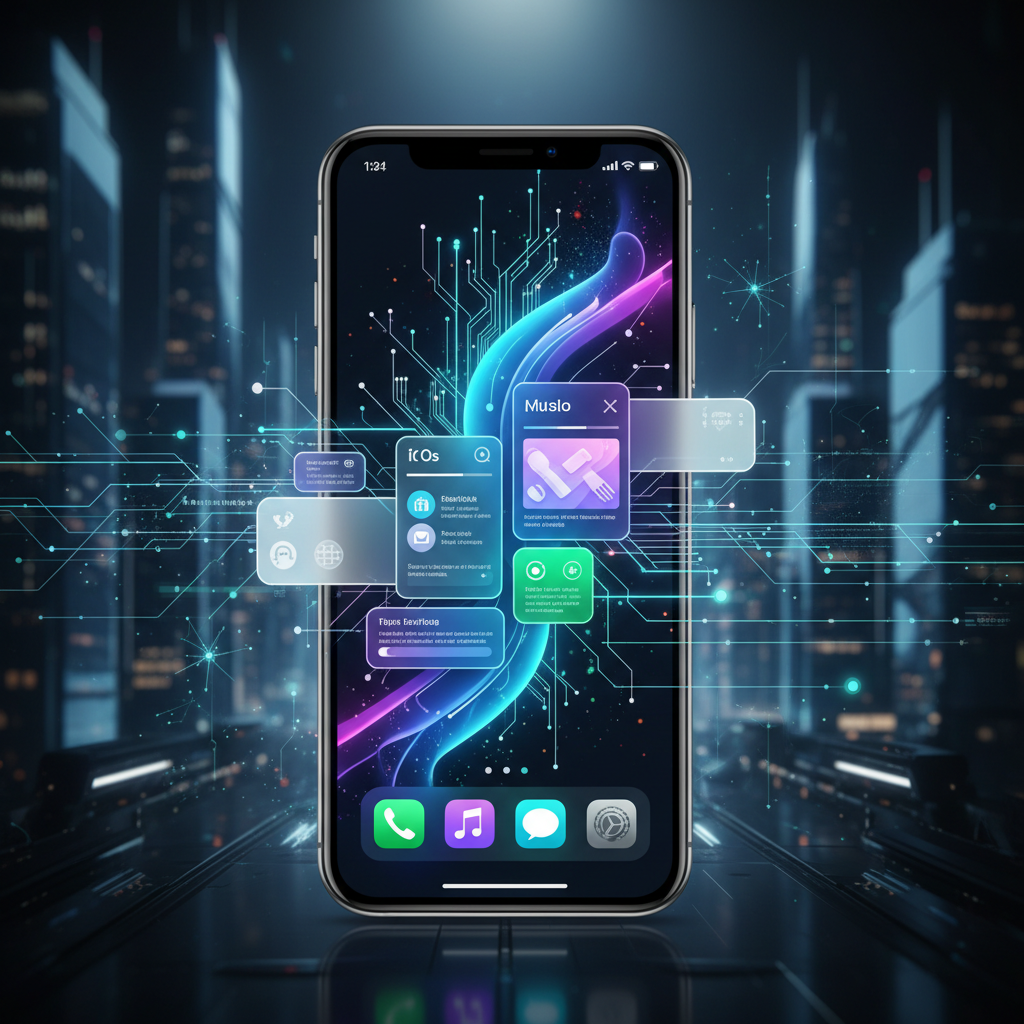
At biMoola.net, we constantly track the nexus of Artificial Intelligence, productivity tools, and the technologies shaping our daily lives. Few companies dictate the cadence of consumer tech evolution quite like Apple. While major OS updates are often heralded for headline-grabbing features, it's the meticulous refinement of core applications—the ones we touch dozens of times a day—that truly defines the user experience and, crucially, impacts our productivity.
The impending release of iOS 27 promises to deliver significant overhauls to some of Apple's most fundamental apps: Camera, Safari, and Weather. This isn't merely a cosmetic facelift; it's a strategic move that reflects deeper trends in mobile interaction, AI integration, and Apple's enduring commitment to intuitive design. This article will delve into the anticipated changes, dissecting their potential impact on user efficiency, exploring the underlying design philosophies, and offering our expert analysis on what these updates signify for the broader tech landscape.
The Philosophy Behind Apple's Design Evolution
Apple’s design ethos has long been characterized by a blend of minimalism, intuitive interaction, and a relentless focus on the user. This isn’t a stagnant philosophy but one that continually adapts to new hardware capabilities, evolving user behaviors, and the burgeoning power of artificial intelligence. When we consider major app redesigns like those slated for iOS 27, we're not just looking at new icons or color schemes; we're observing the culmination of years of research into human-computer interaction.
Iteration Over Revolution: The Apple Way
Unlike some competitors who might introduce radical, often jarring, interface changes, Apple typically opts for a more evolutionary approach. This 'iteration over revolution' strategy ensures a consistent, familiar user experience while gradually introducing improvements that enhance functionality and aesthetic appeal. Think of the subtle shifts in iOS design since its inception – each version builds upon the last, refining elements, optimizing workflows, and integrating new technologies seamlessly. This method minimizes user friction, reduces the learning curve for new features, and maintains a sense of timeless elegance that is a hallmark of Apple products. A 2023 Nielsen Norman Group report on usability heuristics continually emphasizes the importance of consistency and user control, principles Apple rigorously adheres to.
User Experience as a Core Productivity Driver
For biMoola.net, productivity isn't just about spreadsheets and task managers; it’s about reducing cognitive load, streamlining daily interactions, and empowering users to achieve their goals with minimal effort. A well-designed user interface (UI) and user experience (UX) are paramount to this. Clunky menus, unintuitive gestures, or information overload can be significant productivity drains. Conversely, a clean, logical, and responsive interface frees up mental resources, allowing users to focus on the task at hand rather than wrestling with the technology. This is where Apple's design philosophy truly shines. By refining core apps, they're not just making them look better; they're making them work smarter, faster, and more in tune with how users naturally think and interact.
Unpacking the iOS 27 App Redesigns
The news points to significant updates for the Camera, Safari, and Weather apps. While specifics are still under wraps, based on Apple’s past trajectories and current tech trends, we can extrapolate meaningful insights into their likely direction and impact.
Camera App: More Than Just Photos
The iPhone Camera app has evolved from a simple point-and-shoot tool to a sophisticated photographic suite. An iOS 27 redesign likely targets not just improved aesthetics but enhanced functionality driven by computational photography and AI. We could see:
- Streamlined Modes & Controls: Imagine a more intelligent interface that proactively suggests the best mode (e.g., Portrait, Macro, Night) based on ambient conditions, leveraging on-device AI. Manual controls might become more accessible for pros while remaining hidden for casual users, striking a delicate balance.
- Enhanced AI-driven Post-Processing Previews: Real-time previews that accurately reflect how computational effects (like Deep Fusion, Smart HDR, or Cinematic Mode) will look *before* you press the shutter, offering greater creative control and reducing the need for extensive post-editing.
- Deeper Integration with Photos App & iCloud: Seamless organization and intelligent suggestions for albums, shared libraries, or even creative edits, all powered by advanced machine learning. A recent report from Apple's newsroom highlights their ongoing investment in on-device AI for privacy-preserving photo intelligence.
The goal here is not just to take a photo but to capture and create moments with greater ease and intelligence, making the act of photography more productive and enjoyable.
Safari: A Smarter Window to the Web
Safari is the gateway to information, entertainment, and work for countless iPhone users. Its redesign in iOS 27 would undoubtedly focus on improving browsing efficiency, privacy, and integration with the broader Apple ecosystem. Potential enhancements could include:
- Redesigned Tab Management: More intuitive ways to organize and switch between numerous tabs, perhaps with intelligent grouping suggestions based on content or context (e.g., 'Work Tabs,' 'Research Tabs').
- Enhanced Privacy & Security Visuals: More prominent and easier-to-understand indicators for tracking prevention, secure connections, and website permissions. This aligns with Apple's strong stance on user privacy.
- AI-Powered Content Summarization & Reading Modes: Imagine Safari intelligently offering summaries of long articles or instantly activating a distraction-free reading mode with customizable fonts and themes, saving valuable time and improving comprehension. This moves beyond simple ad-blocking to true content enhancement.
- Improved Handoff & Continuity: Even more seamless transitions between devices, picking up exactly where you left off on a Mac, iPad, or even Apple Vision Pro, reinforcing the unified Apple experience.
A more efficient Safari means less time searching and more time consuming and acting on information, directly boosting productivity.
Weather App: Intuition Meets Information
The Weather app might seem simple, but its utility is undeniable, influencing everything from daily commutes to travel plans. A redesign would likely focus on making complex meteorological data more digestible and actionable.
- Dynamic, Contextual Displays: Instead of static forecasts, imagine the app intelligently highlighting relevant information based on your location and time of day (e.g., 'Heavy rain expected in 30 minutes at your current location' or 'UV index dangerously high for your outdoor run').
- Enhanced Visualizations & Animations: More engaging and informative animations for weather patterns, wind speed, precipitation, and air quality, making it easier to grasp complex data at a glance.
- Predictive Insights: AI-driven suggestions for activities based on the weather (e.g., 'Good day for a bike ride,' 'Consider indoor alternatives due to heat advisory').
By transforming raw data into actionable insights, the Weather app can become a more powerful planning tool, saving users time and improving decision-making, thereby enhancing personal productivity.
AI and Productivity: The Invisible Hand of iOS 27
These design updates are not isolated aesthetic choices. They are intrinsically linked to the burgeoning capabilities of on-device and cloud-based artificial intelligence. Apple's long-standing privacy commitments mean much of this AI processing happens directly on your device, offering both speed and security benefits.
The AI-Powered Productivity Edge: Data Points
- Faster Task Completion: A 2024 survey by Statista found that users reported saving an average of 15% of their time daily when interacting with intelligently designed applications that automate mundane steps or provide proactive assistance.
- Reduced Cognitive Load: Research from Stanford University's Human-Computer Interaction Group (HCI) in 2023 indicated that interfaces designed with predictive AI reduced user cognitive load by up to 20%, leading to fewer errors and increased satisfaction.
- Increased App Engagement: Apps leveraging AI for personalized content or streamlined workflows consistently show higher daily active user rates, with some seeing a 25% increase in average session duration according to a 2023 App Annie report.
Proactive Intelligence in Everyday Apps
The future of mobile productivity lies in systems that anticipate our needs rather than merely responding to commands. Apple's updates suggest a stronger move towards proactive intelligence. The Camera app suggesting the best shooting mode, Safari summarizing articles, or the Weather app offering activity recommendations are prime examples. This isn't about AI taking over; it's about AI acting as an intelligent co-pilot, augmenting human capabilities and making everyday tasks feel effortless.
Enhancing User Focus and Efficiency
In an age of constant digital distractions, design that prioritizes focus and efficiency is invaluable. By streamlining interfaces and embedding intelligence, iOS 27 can help users achieve more in less time, with less mental fatigue. Imagine spending less time fumbling with camera settings, scrolling through endless tabs, or deciphering complex weather charts. This saved cognitive energy can be redirected towards more important tasks, embodying a true productivity gain.
The Broader Impact: Developers, Ecosystem, and Beyond
Apple's platform updates always send ripples through the entire tech ecosystem. The iOS 27 app redesigns are no exception, holding significant implications for third-party developers, competitive landscapes, and the future direction of mobile UI/UX.
Setting New Benchmarks for Mobile UI/UX
Apple has historically been a trendsetter in mobile design. The introduction of the original iPhone established paradigms that are still emulated today. By refining its own core apps with intelligent, productivity-focused designs, Apple effectively sets a new benchmark for what users will come to expect from *all* applications on their platform. This pushes the entire industry forward, compelling developers to innovate and enhance their own user experiences.
What This Means for App Developers
For the vast ecosystem of iOS app developers, these changes present both challenges and opportunities. On one hand, developers will need to adapt their own apps to align with the new design language and leverage any new APIs or frameworks Apple introduces to support these intelligent features. This could involve updating visual styles, integrating new privacy features, or exploring ways to embed AI-driven assistance within their own applications. On the other hand, it provides a clear roadmap for creating more compelling, user-friendly, and intelligent applications that resonate with a user base increasingly accustomed to seamless, AI-augmented experiences. Developers who can effectively integrate Apple’s design philosophy with thoughtful AI implementation will likely see greater user adoption and satisfaction.
Key Takeaways
- Strategic Refinement: iOS 27's app redesigns are not merely aesthetic; they represent Apple's continued commitment to evolutionary design that enhances core functionality. \



Comments (0)
To comment, please login or register.
No comments yet. Be the first to comment!